
Explain the Current Condition
Use dental visuals to give the patient context before discussing the proposed care.
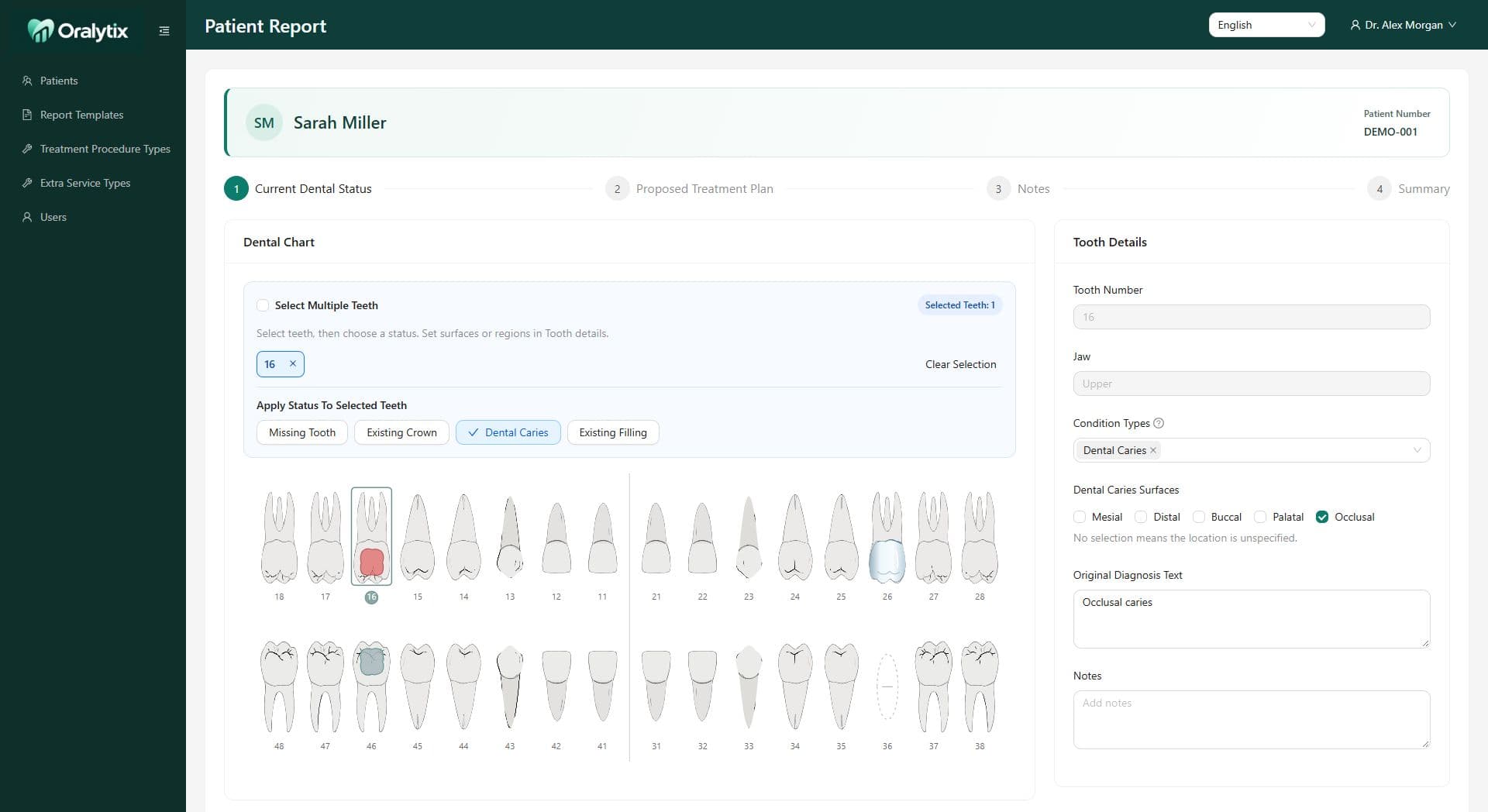
Visualize dental conditions, explain proposed treatments, and create professional patient-ready proposals — without replacing your clinic software.
Trial access is activated by the Oralytix team after your request.
Patients are asked to understand clinical findings, multiple treatments, visits, options and cost — often in one conversation. Oralytix gives your team a structured way to present the case after the clinical decision is made.
Use dental visuals to give the patient context before discussing the proposed care.
Organize the plan, visits, treatment items and extra services in one patient-facing flow.
Generate a professional PDF the patient can take away, compare and discuss after the appointment.
Keep the proposal connected to the patient and the case you are presenting.
Record and visualize the current dental situation in a patient-friendly way.
Add proposed treatments, visits, services and pricing in a structured flow.
Create a clear PDF proposal ready to review with the patient or share afterward.
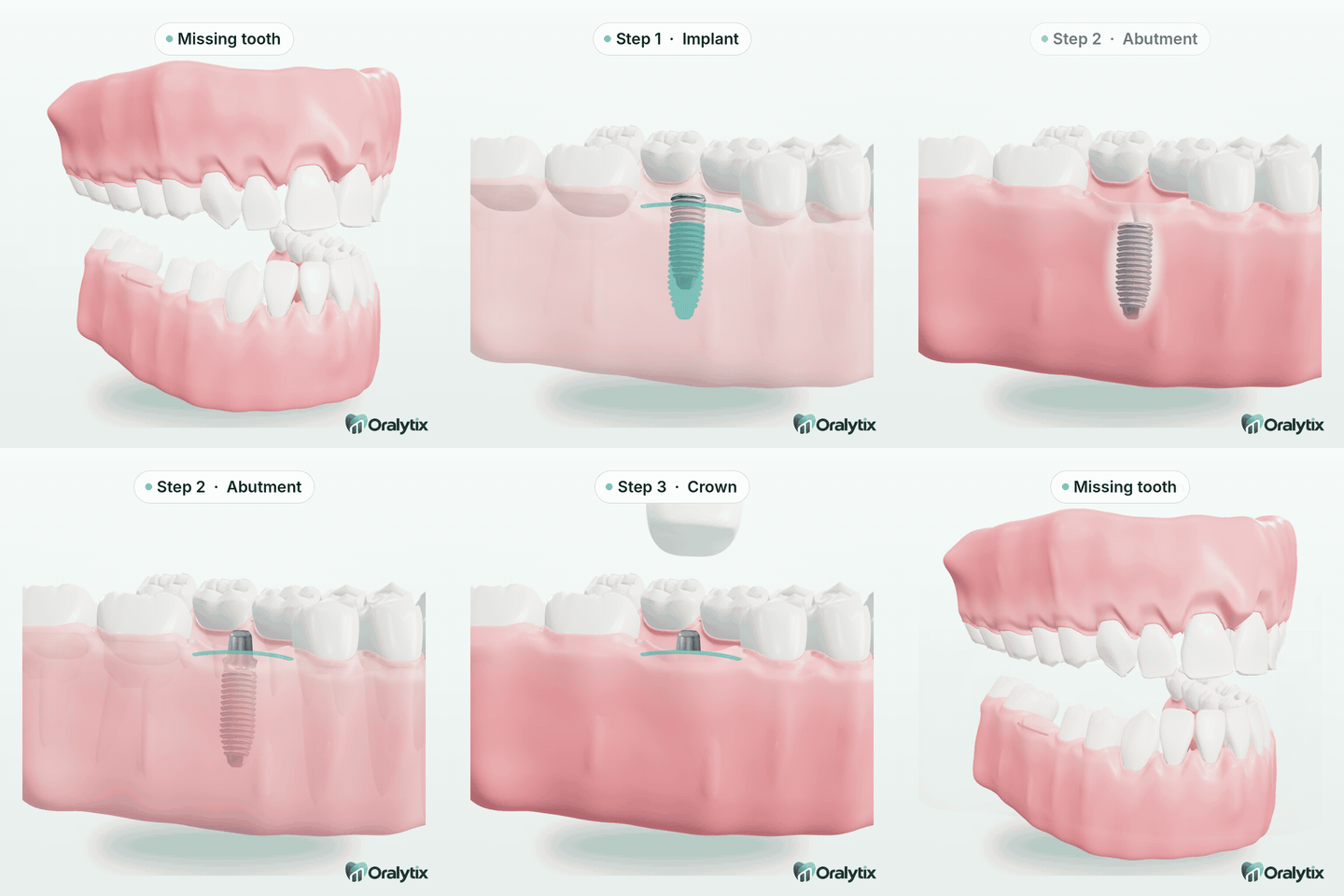
Dentists can review the current condition and treatment plan in interactive 3D, then use the same visualization to explain the case clearly to the patient. Patients can also open the 3D experience from their report and review it later.
Available on ClinicExplore Interactive 3D Dental Visualization →Inspect the current condition and proposed treatment visually.
Use the same 3D view during the consultation to walk the patient through the case.
Let the patient reopen the interactive 3D experience from the report later.
Keep the proposal tied to the right patient and case.
Show what is happening instead of relying on clinical terminology alone.
Help the patient follow the proposed direction and sequence.
Present treatments and extra services clearly inside the proposal.
Create a patient-facing document your team can review and share.
On the Clinic plan, review the current condition and treatment plan in 3D, explain the case chairside, and let the patient revisit it from the report.
Dental-tourism teams often explain treatment, estimated visits, services and pricing before the patient arrives. Oralytix gives that conversation a professional document instead of a loose collection of messages and screenshots.
See dental tourism use case →Oralytix is designed to work beside the systems your clinic already uses. If your team needs a connection, we can scope it around the workflow instead of forcing a system replacement.
Talk to us about your stackConnect patient or treatment data from the system your team already works in.
Keep sales or patient-status workflows connected to the proposal process.
Support proposal sharing and patient communication around the treatment decision.
Send proposal links or PDF reports from the workflow your team already uses.
Keep generated reports organized with your existing document workflow.
Connect follow-up or treatment scheduling where it adds value to the clinic flow.
Integrations are scoped based on your clinic setup. Tell us what your team already uses.
No. Oralytix is focused on treatment proposals and patient reports. Keep your existing PMS or clinic workflow.
Yes. The current product includes dental condition visualization and treatment plan visualization.
Dentists can review the current condition and treatment plan in 3D and use the same view to explain the case to the patient. Patients can also reopen the 3D experience from their report. Interactive 3D is available on Clinic.
No. It can be used by general dental clinics, treatment coordinators and international-patient teams that want a clearer proposal workflow.
A demo is the fastest way to see whether the workflow fits your clinic.